There doesn’t seem to be many compiled lists of modern Sega Dreamcast mods or accessories so I’ve put together a list which includes things I’ve done or used. This list is by no means exhaustive but should help you get started if you’re new to the Dreamcast.
Optical Drive Emulators
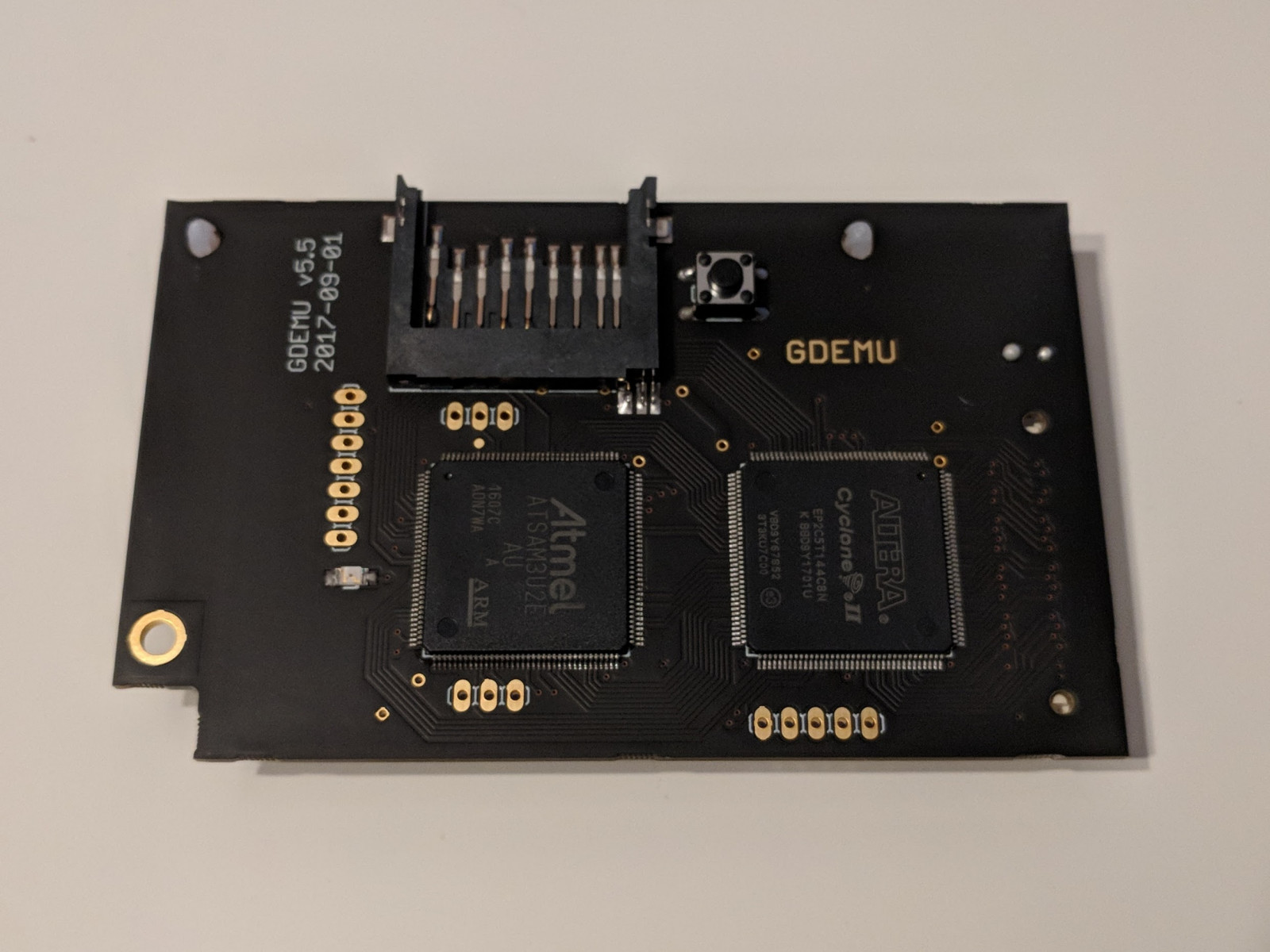
GDEMU – I believe this is the first ODE for the Dreamcast. The original GDEMU is only available directly from https://gdemu.wordpress.com/ but the creator only sells it once in a blue moon. I was lucky and managed to snag one a few years ago. There are many clones of it available on eBay or Aliexpress (look for 5.15b versions). The main difference between the original and clones is: 1) you can’t do firmware upgrades on clones and 2) the clones have bugs with Skies of Arcadia and Resident Evil Code Veronica that were fixed by firmware upgrades on the original.
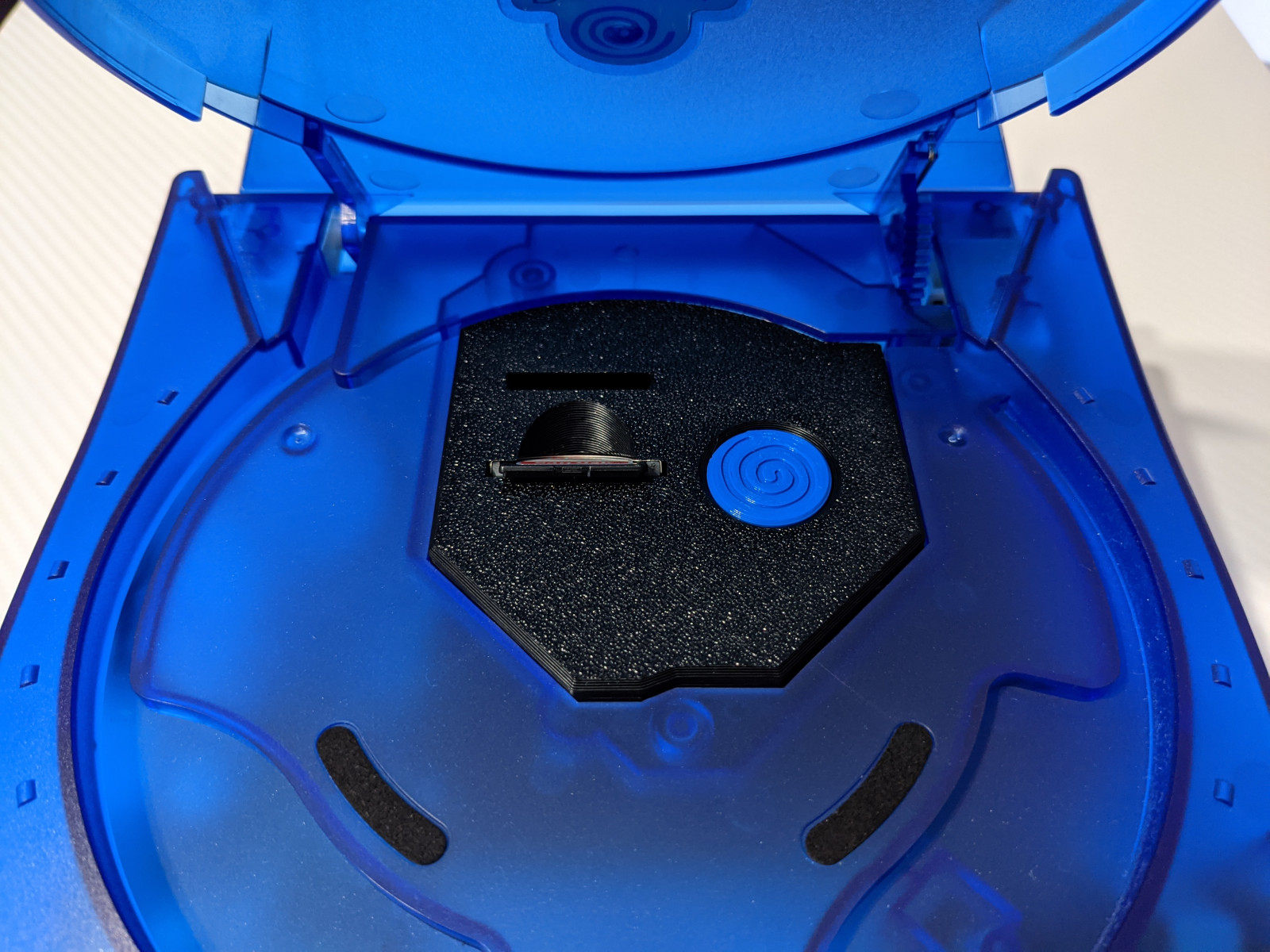
GDEMU 3D Printed Mount – This is a 3D printed mount for the GDEMU and includes an SD card extender to give you a cleaner look. I used to have a version of this that required gluing to the top half of the Dreamcast shell but this one from Laser Bear screws securely to the GDEMU itself.
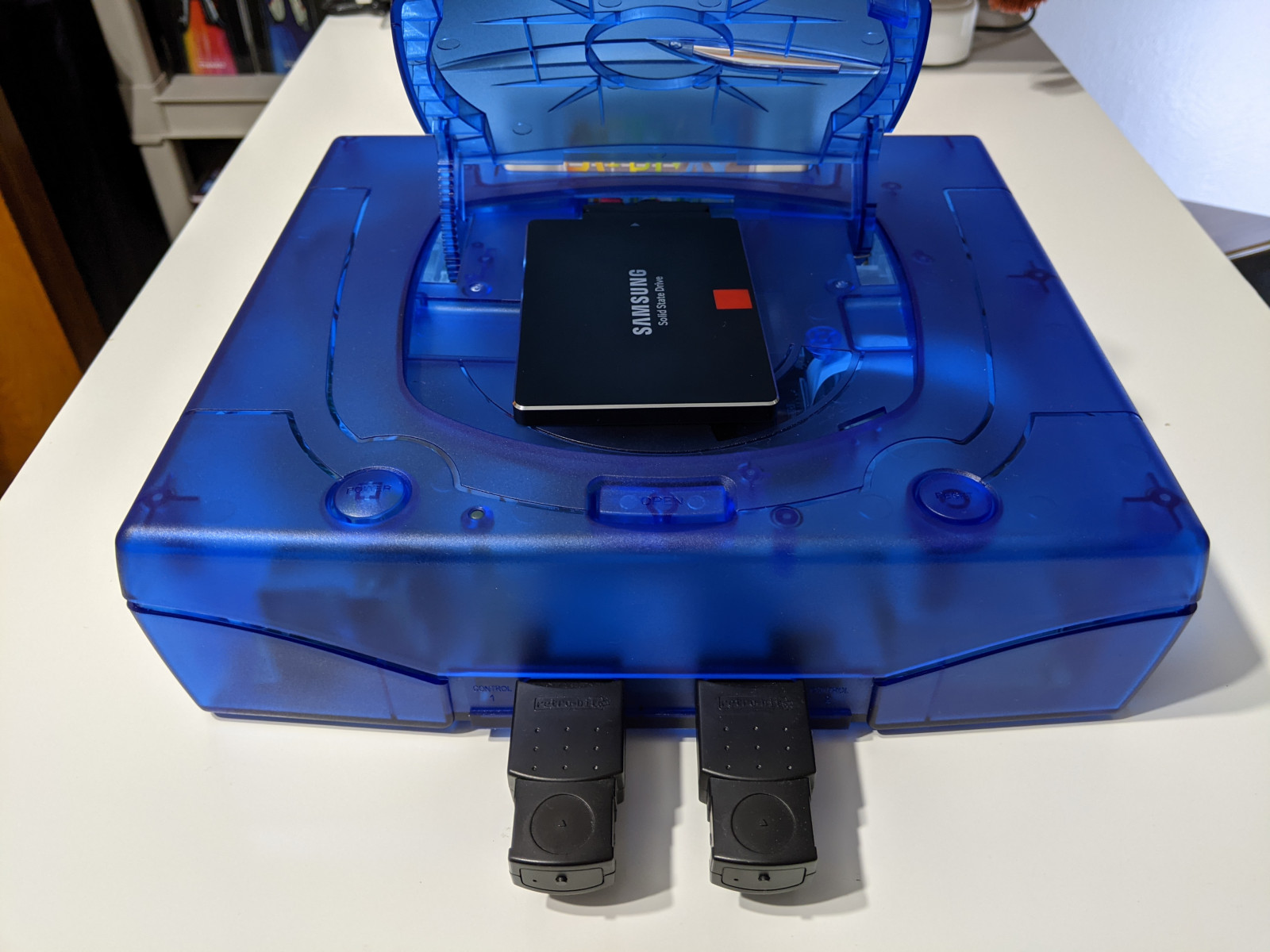
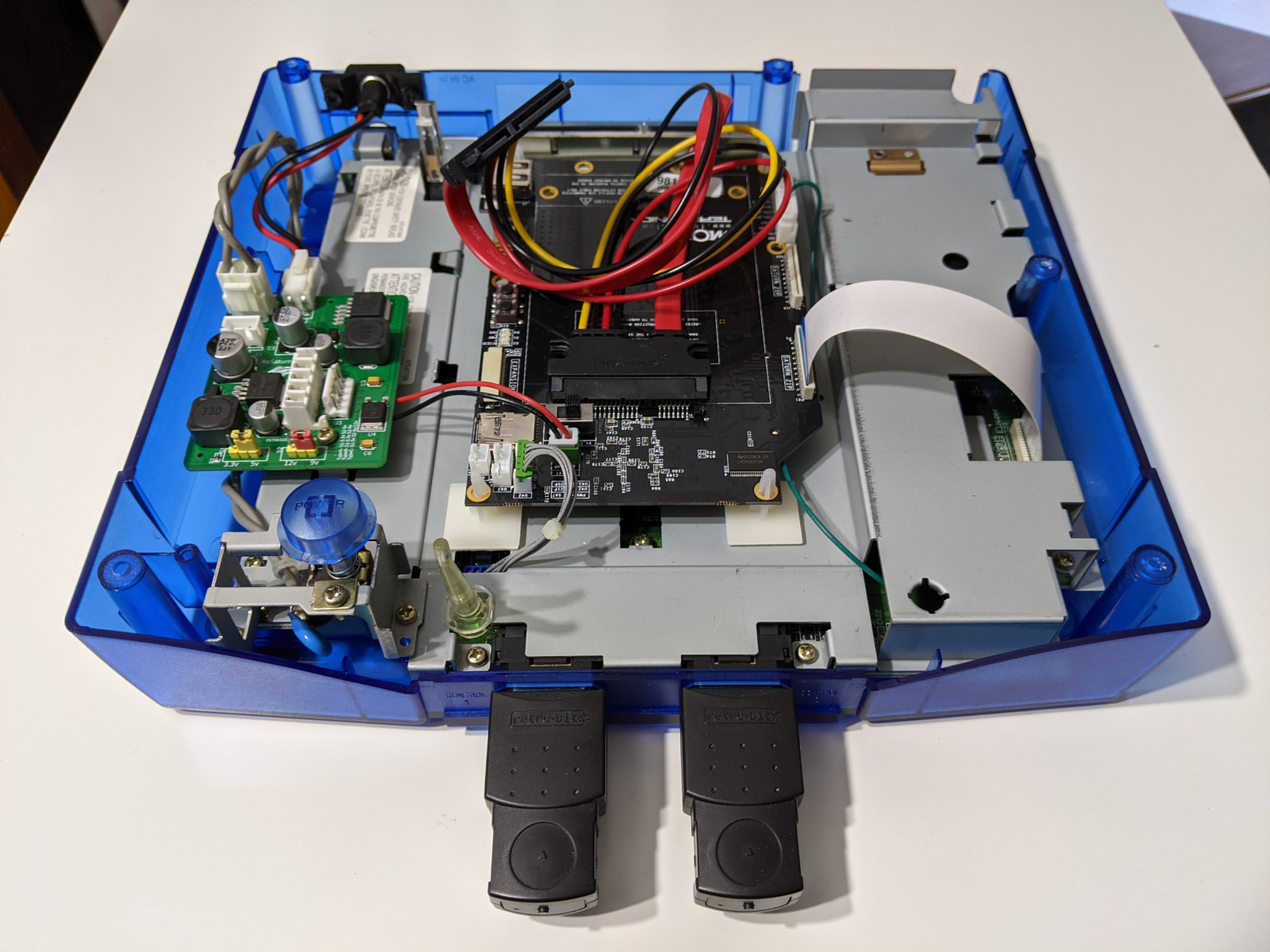
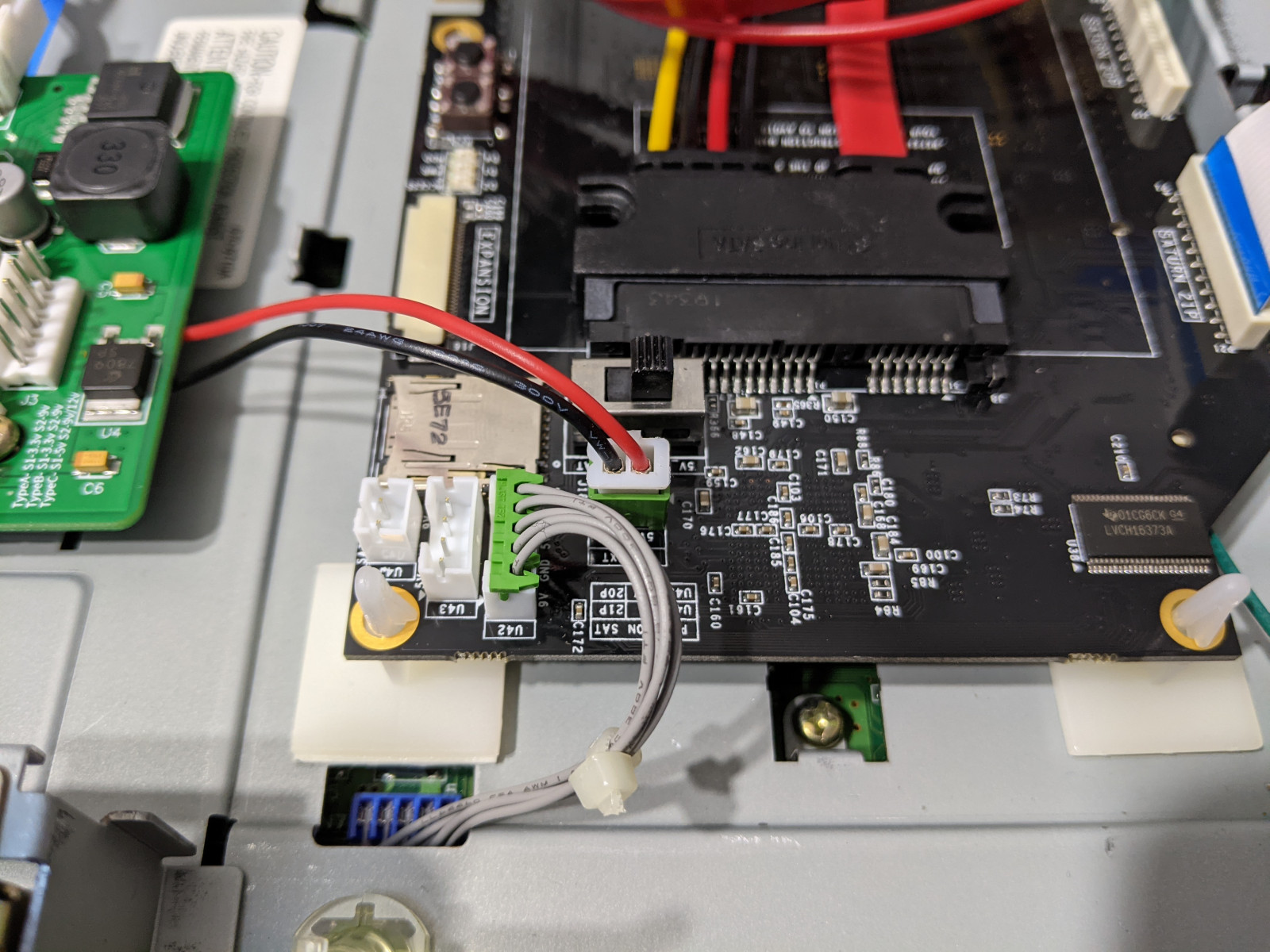
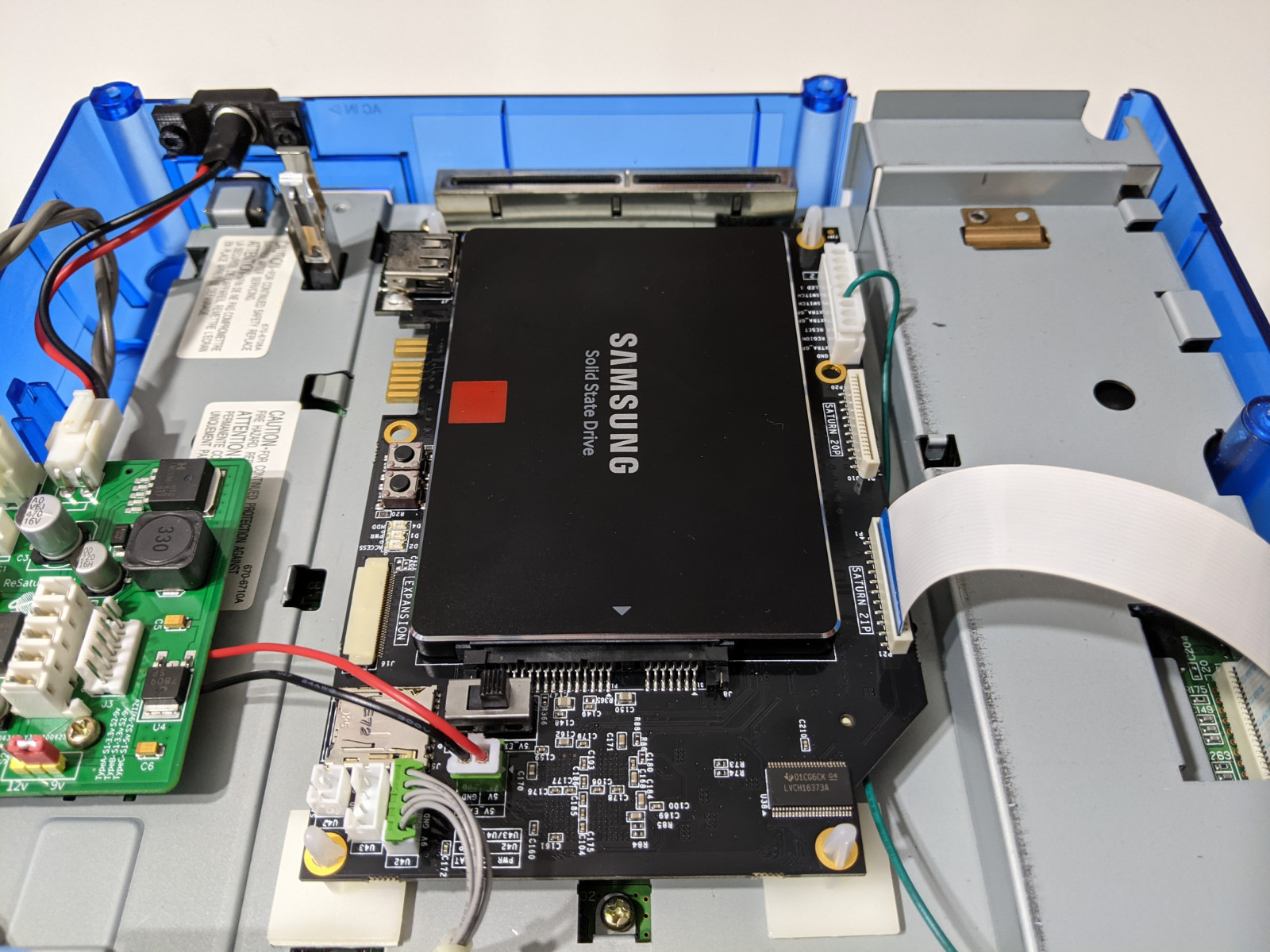
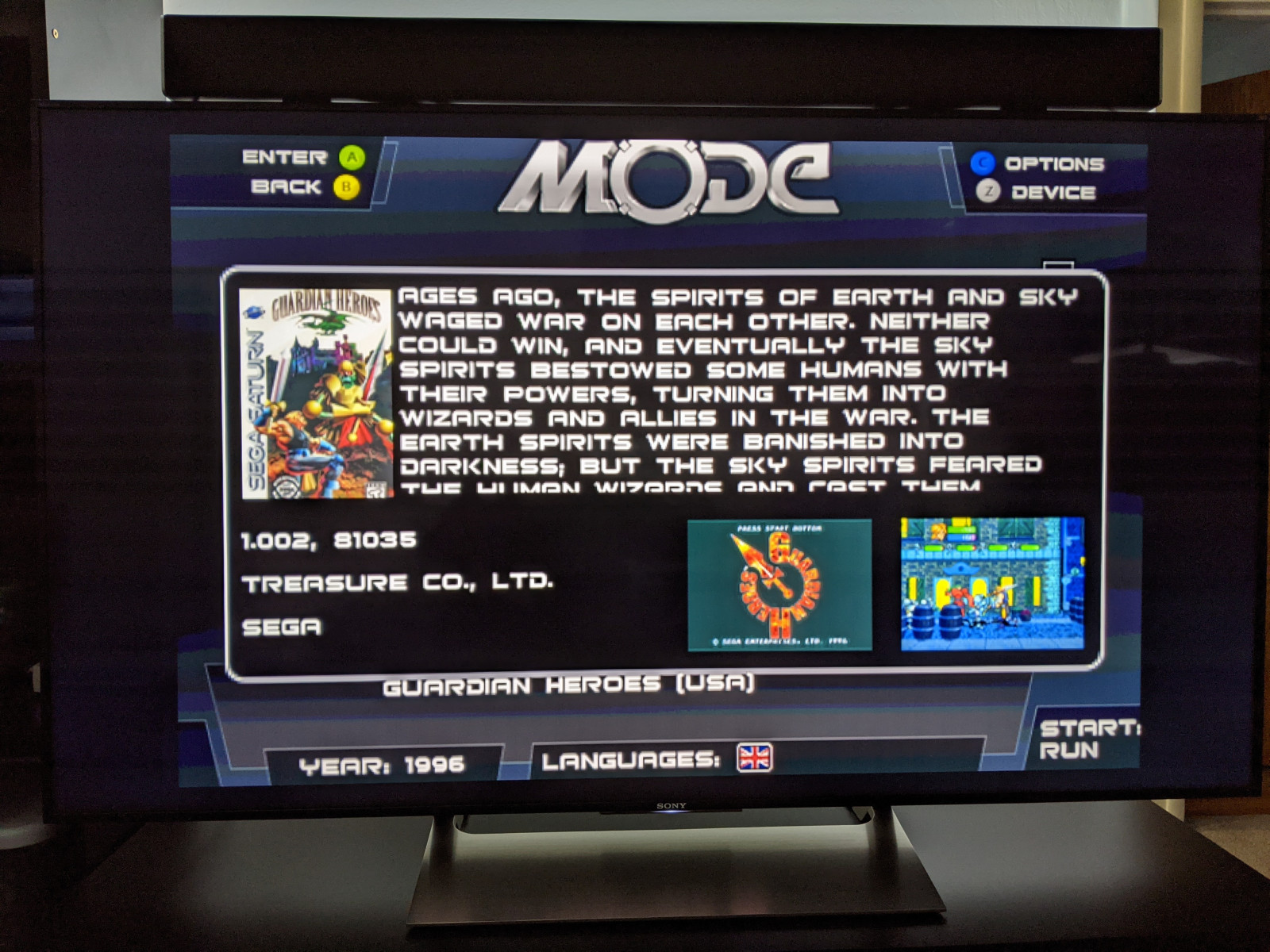
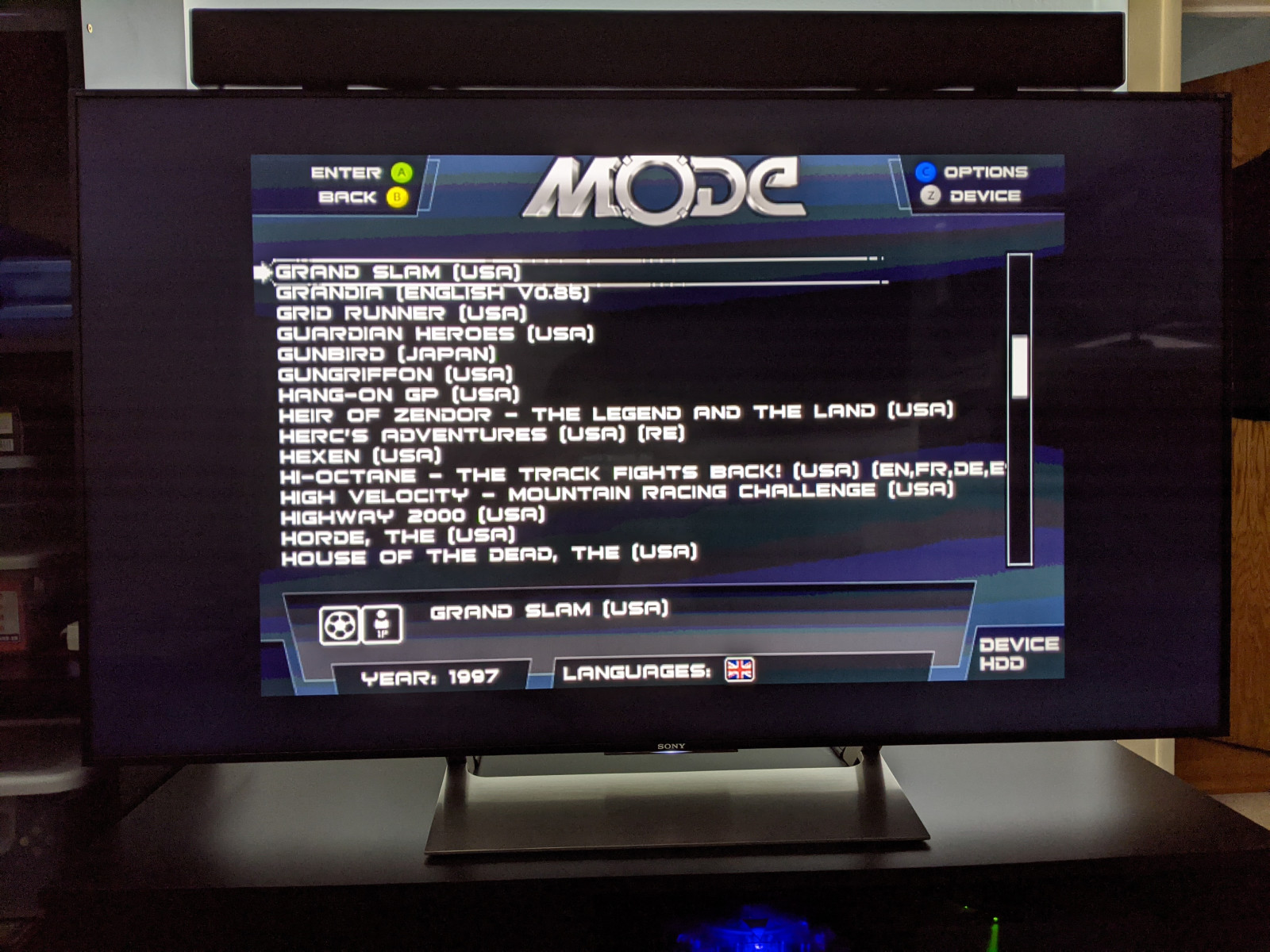
Terraonion MODE – This is works on Saturn, Dreamcast and now PSX but I’ve only used it for the Saturn. It is the most premium option but allows you to use 2.5″ SATA HDD/SSD, SD card or even USB drives. It can also display cover art.
USB-GDROM – I never used one of these but I think it was the alternative choice to GDEMU a few years ago before GDEMU clones flooded the market.
Video Output
DCDIGITAL – This internal mod adds native HDMI output to your Dreamcast and results in the absolute best picture quality possible.
OSSC – This is an upscaler that can be used for many other consoles, not just the Dreamcast. I’m using an old VGA box I bought over 10 years ago connected to the OSSC to game on my HDTV.
RetroTINK-5X Pro – A newly released upscaler that features automatic optimal phase sampling to get the best picture without tinkering. I’m using this for my Saturn instead of the OSSC as the 5X Pro is better at handling resolution changes and deinterlacing.
Pound HD Link – This is probably the cheapest way to connect a Dreamcast to an HDTV. See The Dreamcast Junkyard’s review here.
Other video options for the Dreamcast are covered in depth at RetroRGB.
Power Supply
You’re probably better off recapping the original PSU using kits from Console5. The Dreamcast (and Saturn) PSU replacement trend was probably started by YouTubers and I myself just did it for the sake of doing it.
Pico Dreamcast v1.1 – An adapter that will let you use a PicoPSU with the Dreamcast. If I had to do it over again, I would go with this option and a real PicoPSU from Mini-Box.
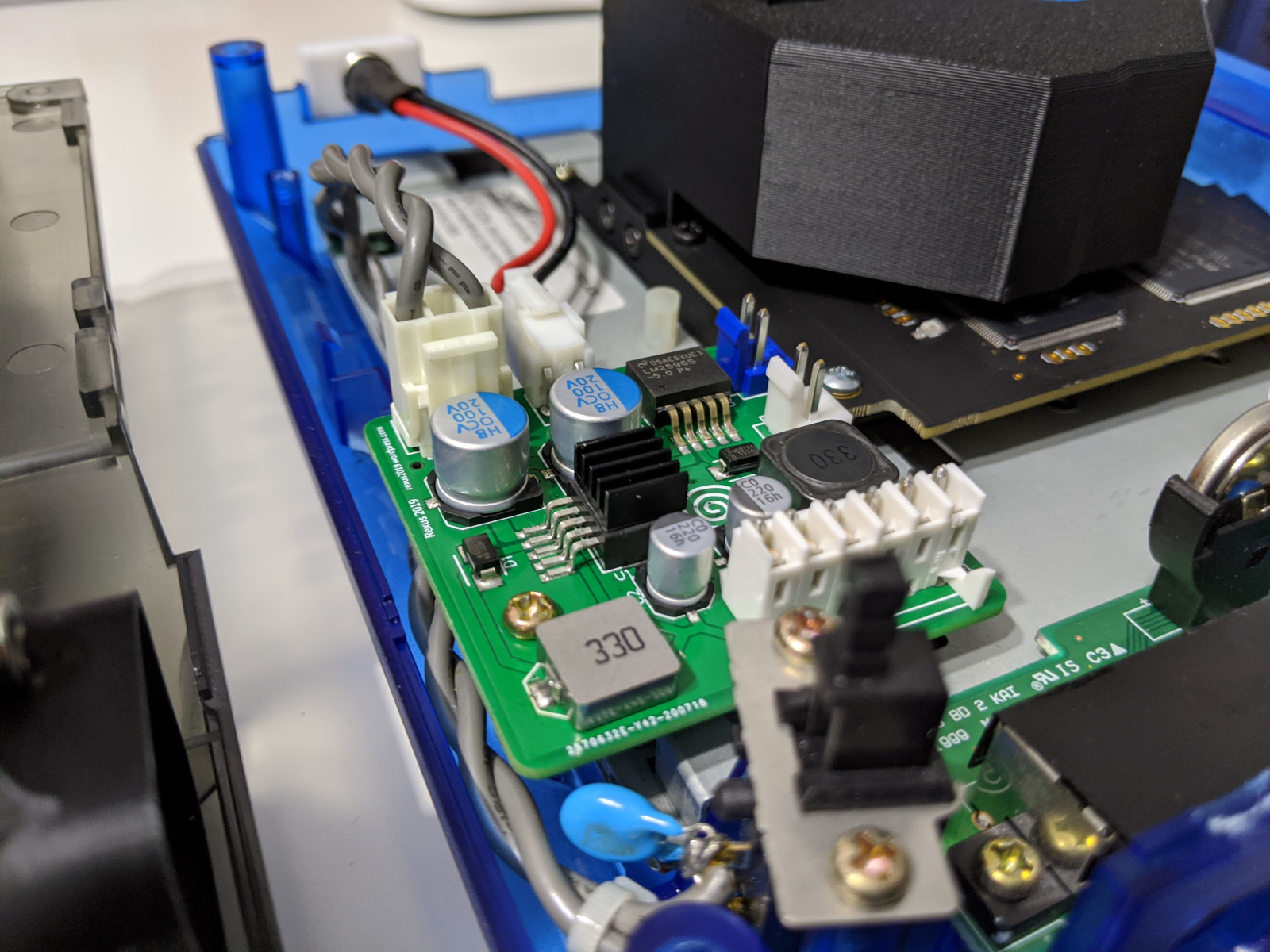
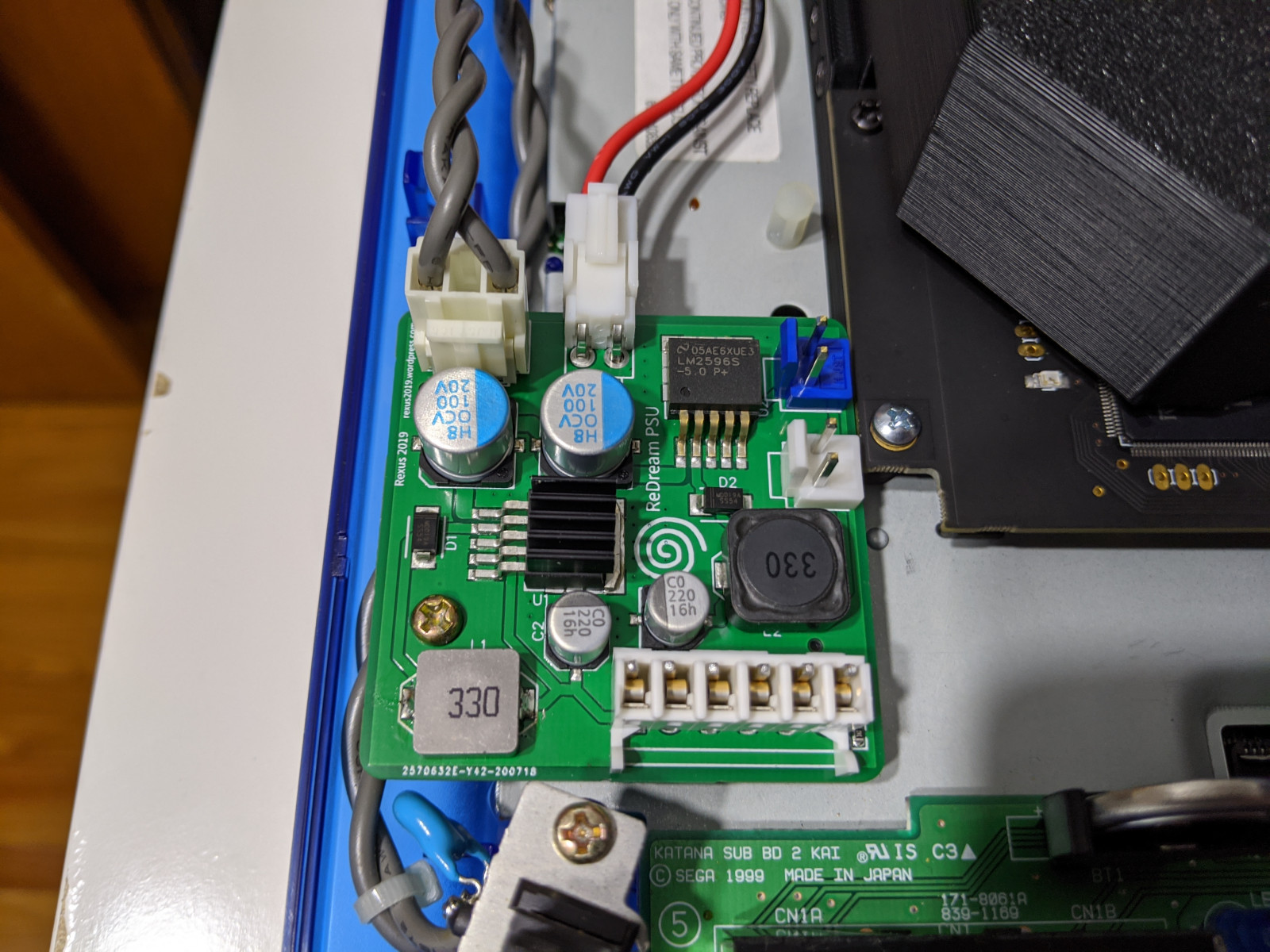
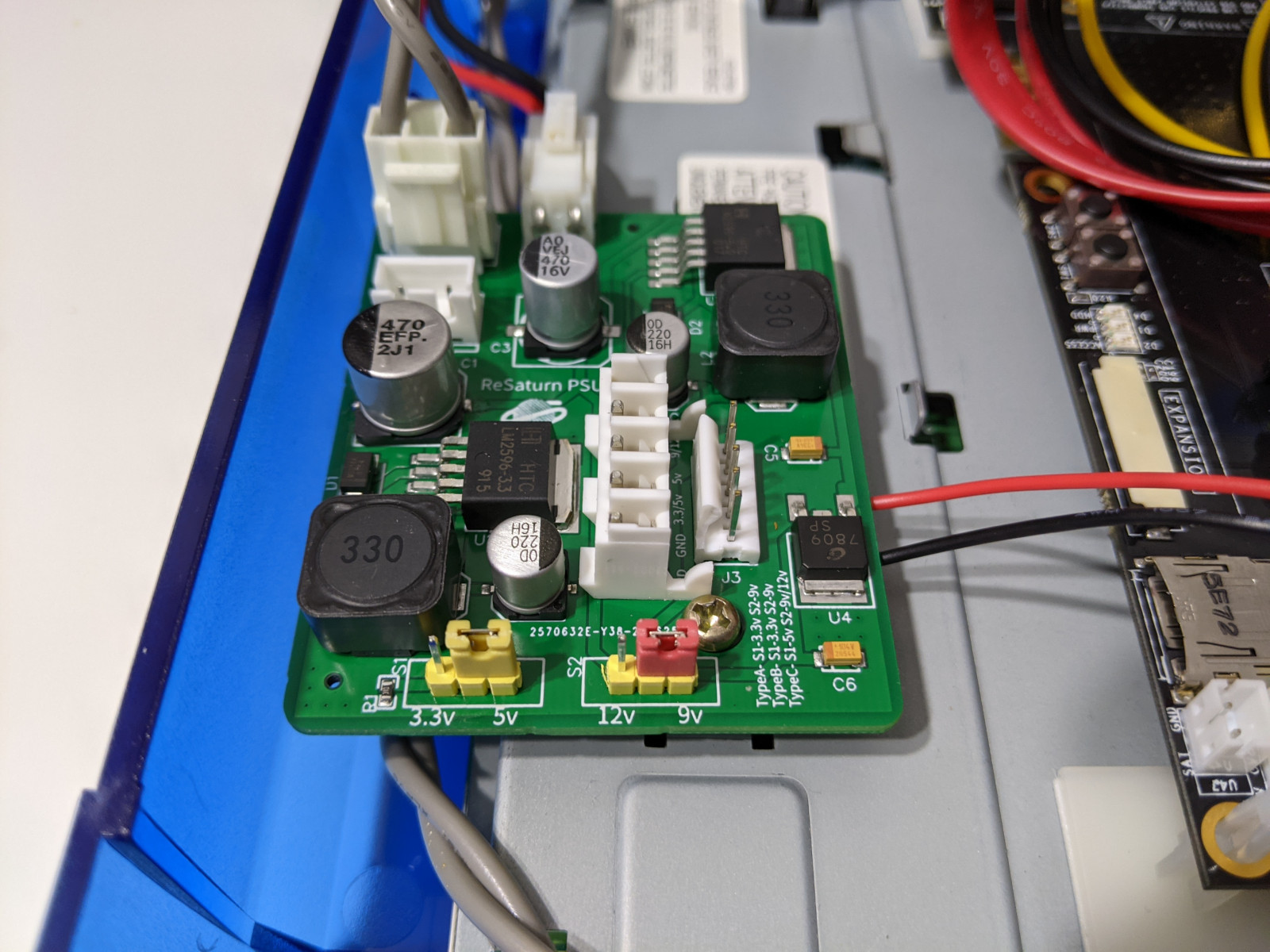
ReDream PSU – This is an aftermarket PSU I am using for my Dreamcast (I also have the Saturn version). So far it has worked pretty well and my Dreamcast and house are still in one piece. Their eBay storefront is here.
DreamPSU – I believe this is the first aftermarket PSU for the Dreamcast and it went under after it was fully funded due to reasons. The creator released the design as open source which is why you see many clones of this thing out there. I’ve read anecdotes that it is a generic off the shelf design, not actually designed with the Dreamcast in mind. I would avoid this one.
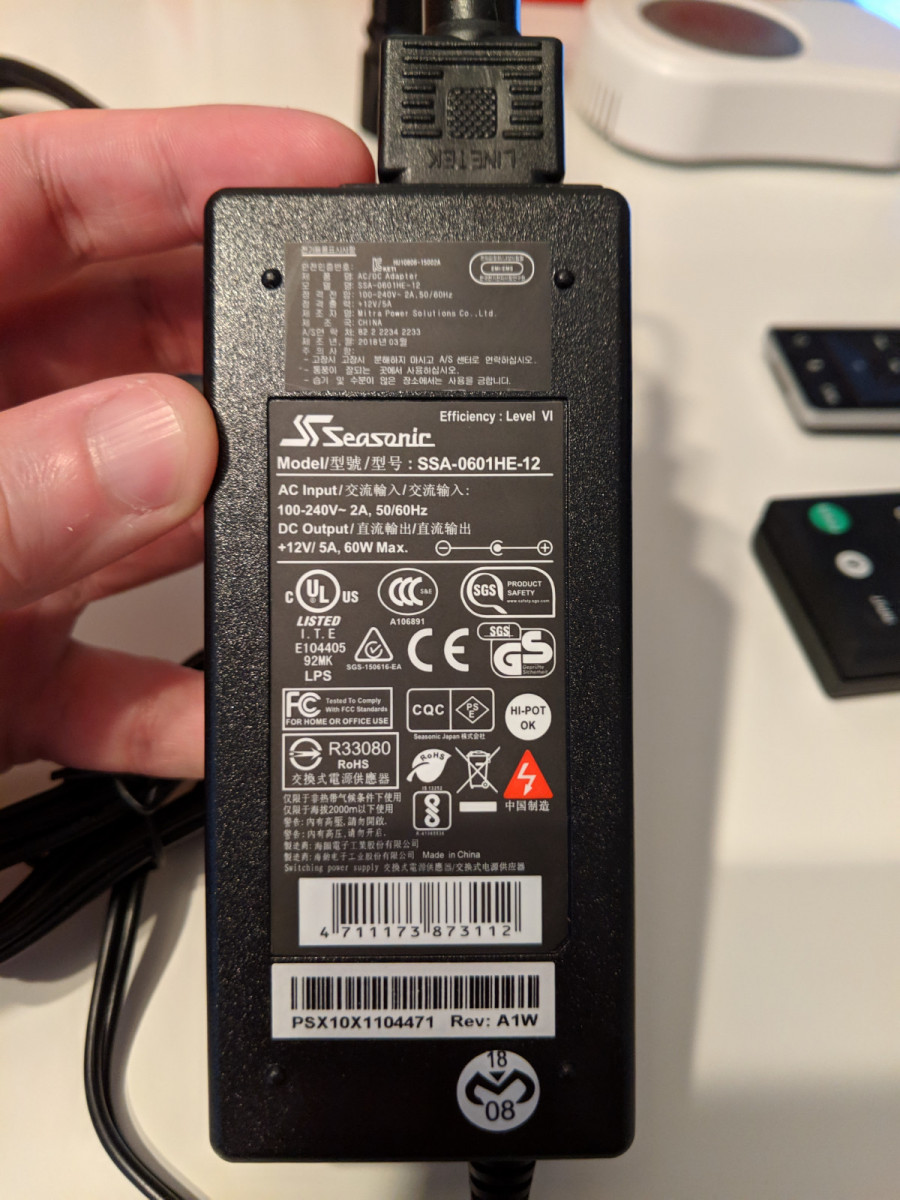
Seasonic SSA-0601HE-12 – This is a 12V 5A Seasonic power supply I’m using with the ReDream PSU. I went with this due to Seasonic’s PC power supply reputation.
Internal Components
Capacitor Recap Kit – Complete kits for replacing the old capacitors in your Dreamcast, on both the motherboard and power supply.
Controller Port Fuse – This replaces the fuse on the Dreamcast controller board with a resettable one.
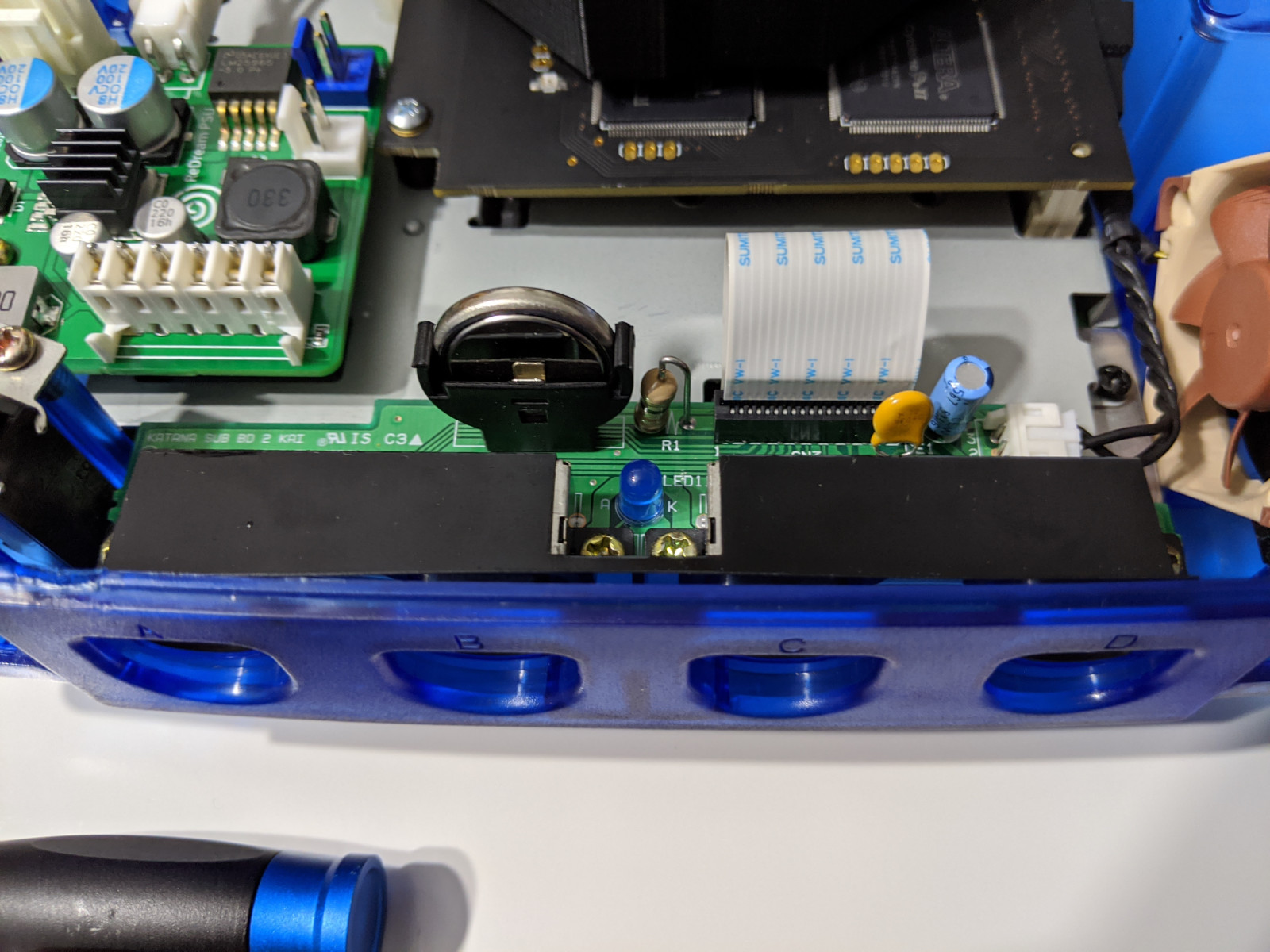
Vertical Battery Holder – The original Dreamcast battery is soldered to the board and by this point just about all of them are dead. By soldering in this holder, you can replace the battery with a new rechargeable ML2032. There’s an alternative mod to this where you can solder in a diode to stop the current flow to allow use of non-rechargeable CR2032s which should last longer.
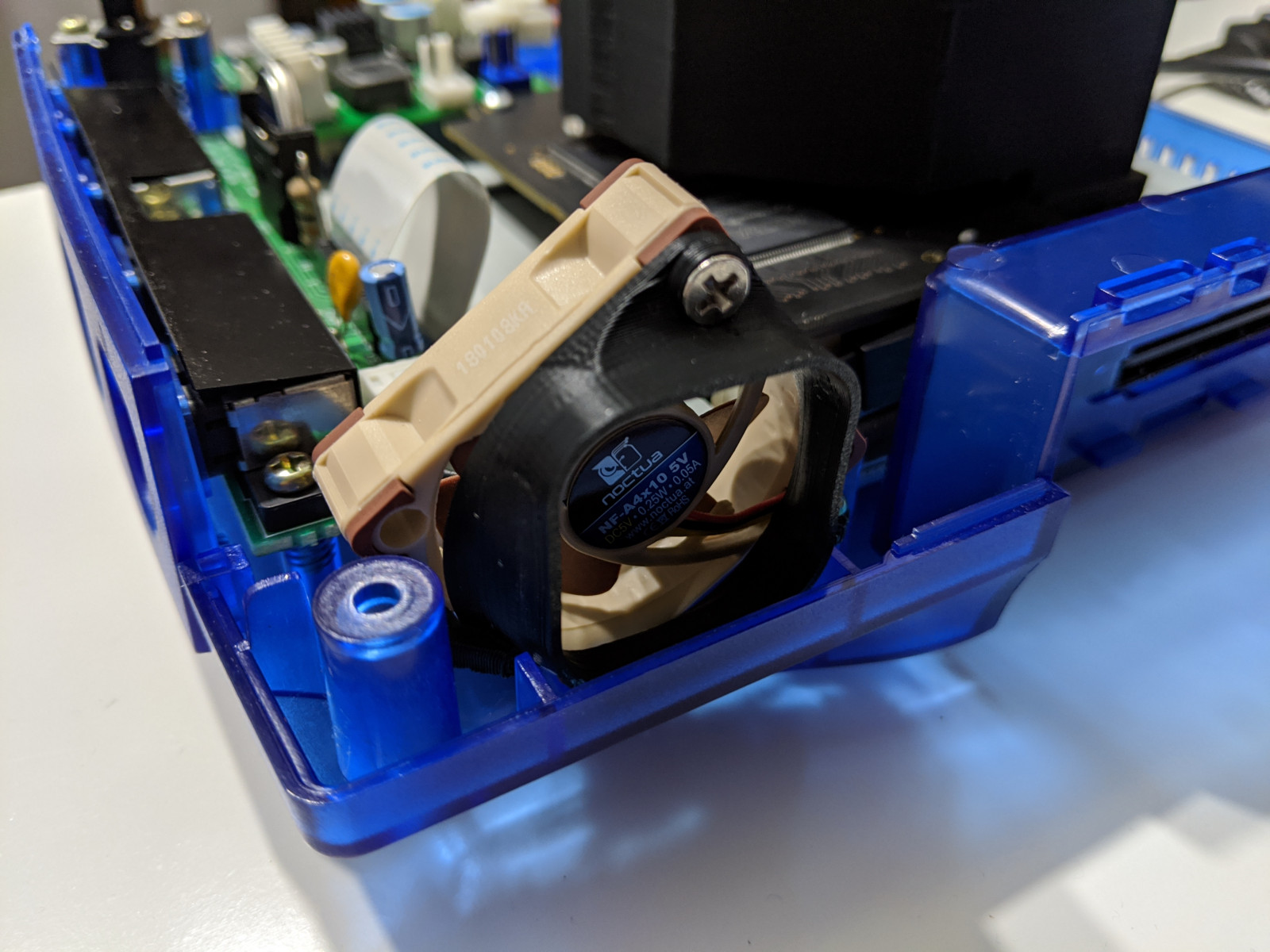
Noctua Fan Mount Kit – This kit will let you replace the Dreamcast fan with a Noctua NF-A4x10 5V fan instead.
Misc
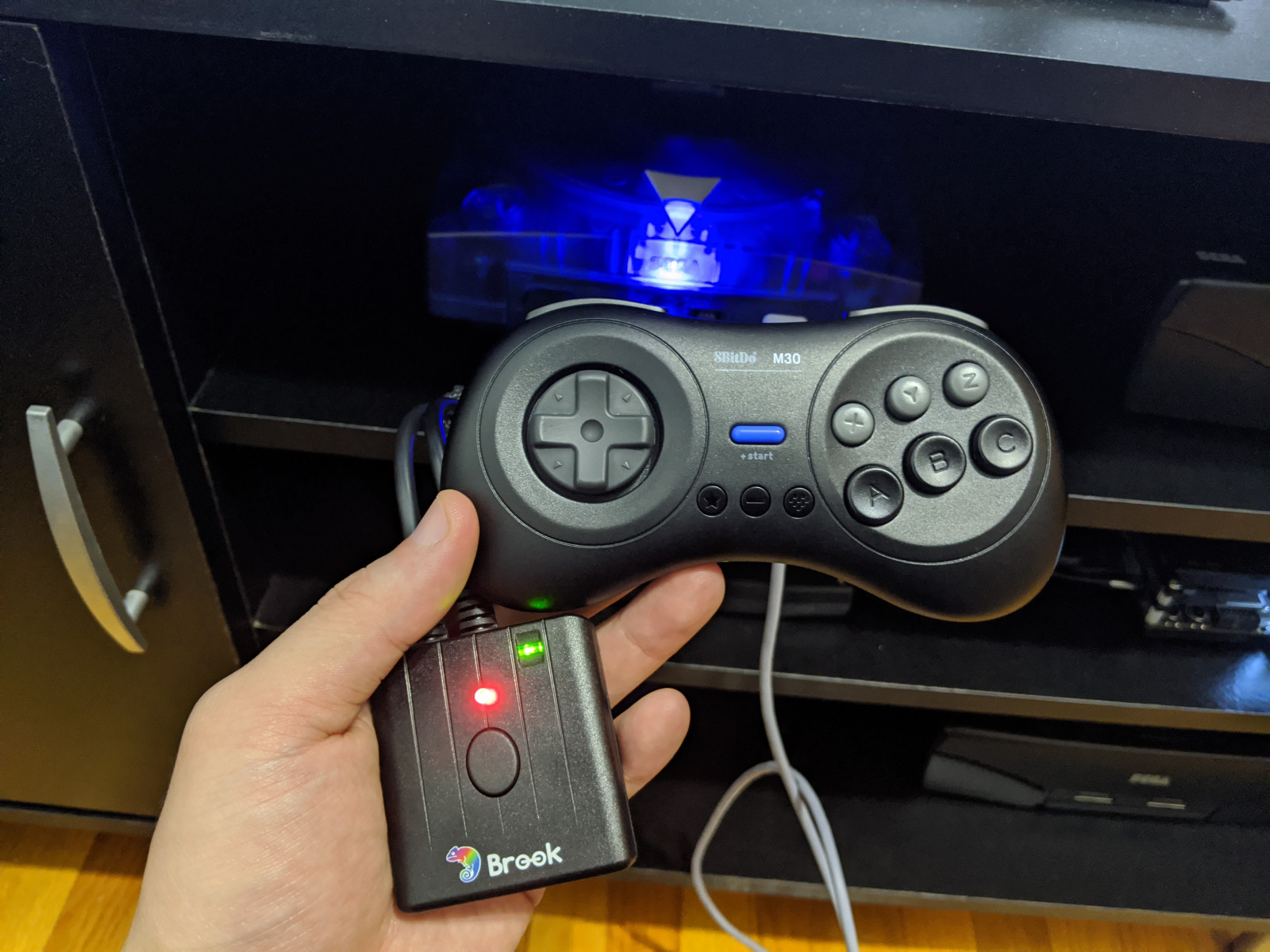
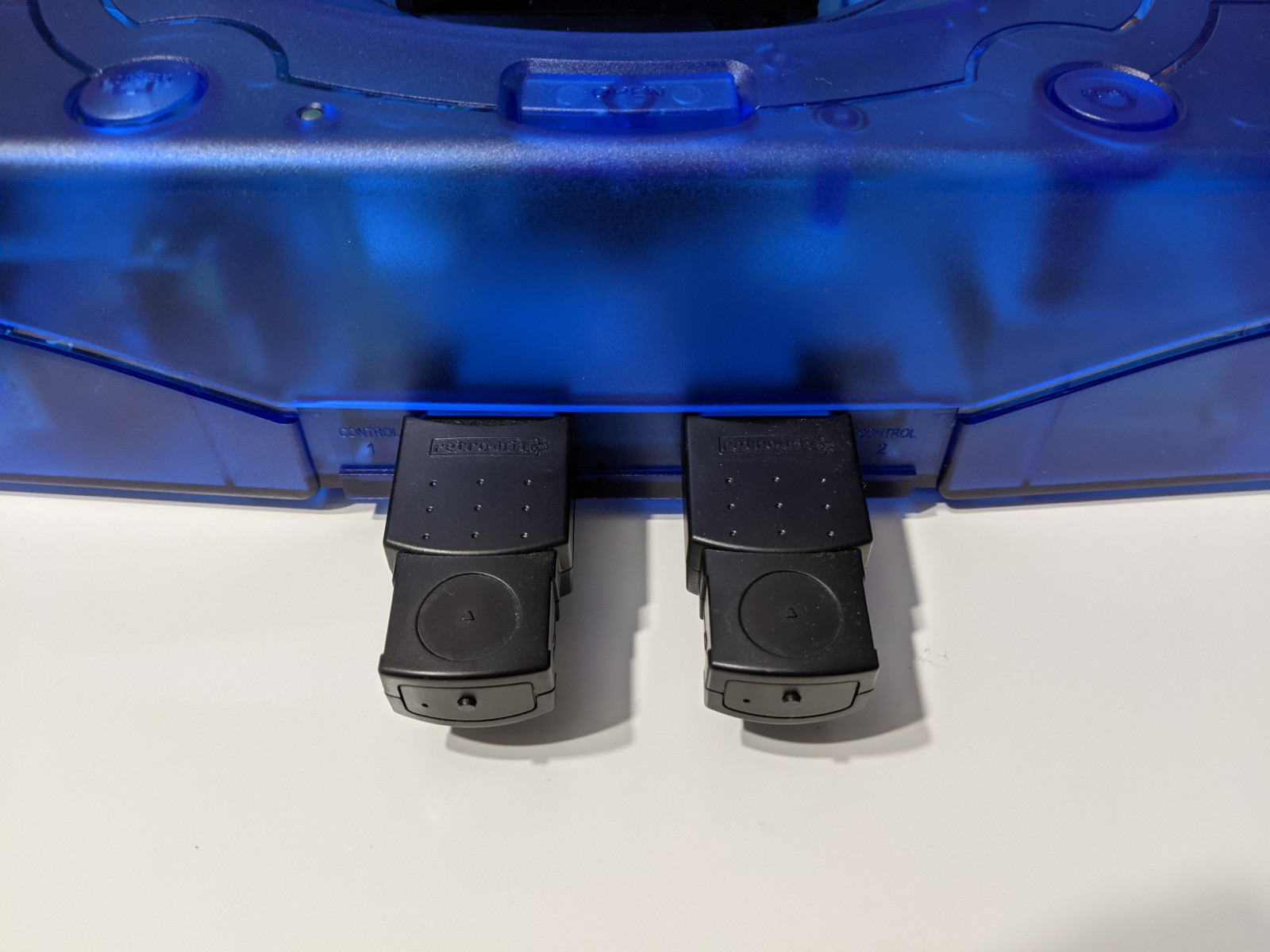
Brook Wingman SD – Connect modern controllers to your Dreamcast with this. It also has storage equal to one VMU and can also be flashed to 240 blocks (just like a real VMU).
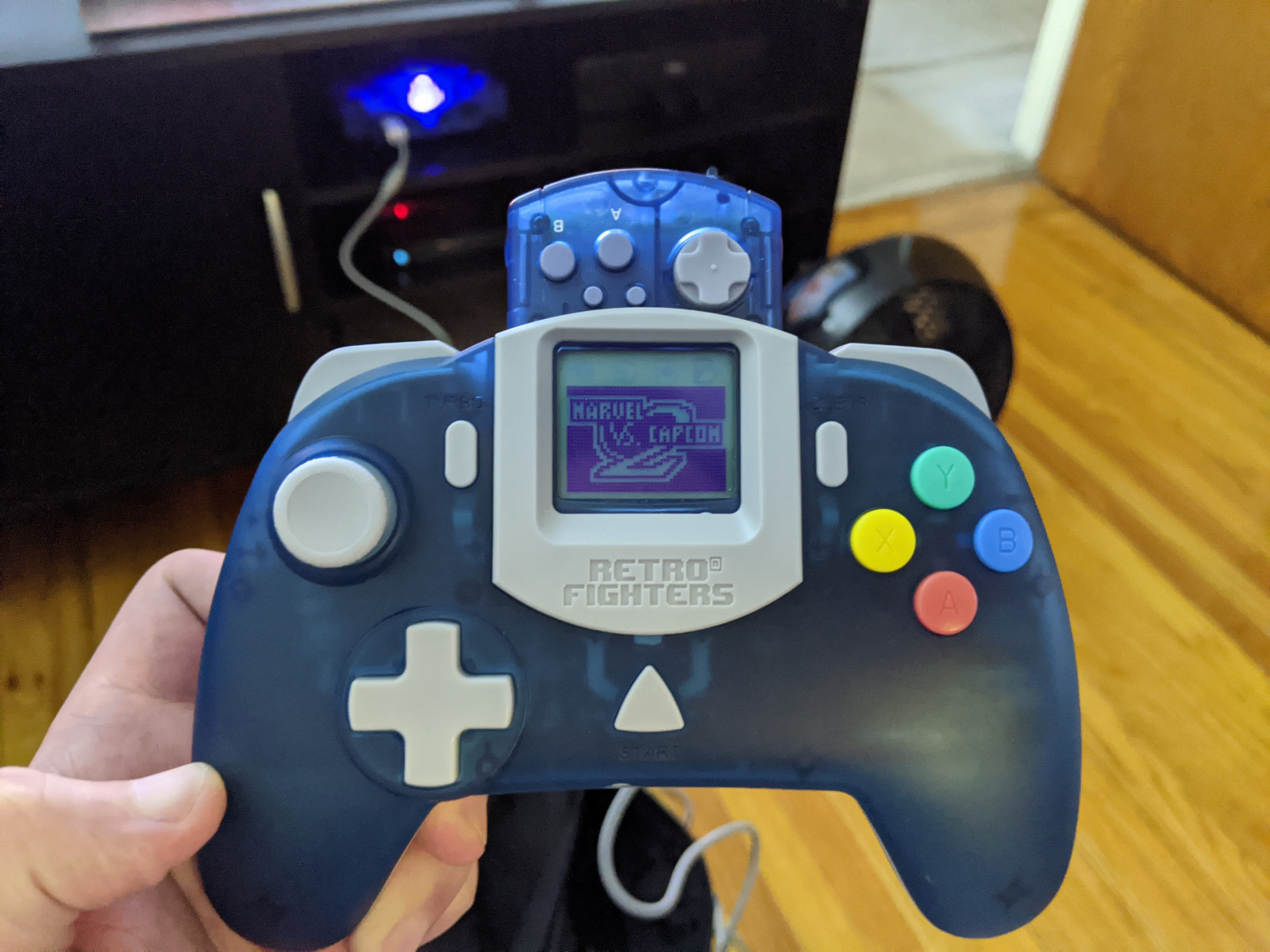
Retro Fighters StrikerDC – A modern take on the Dreamcast controller. The dpad, buttons and triggers are pretty decent but the analog stick is way too easy to move around; doesn’t have the same level of tension are the original.
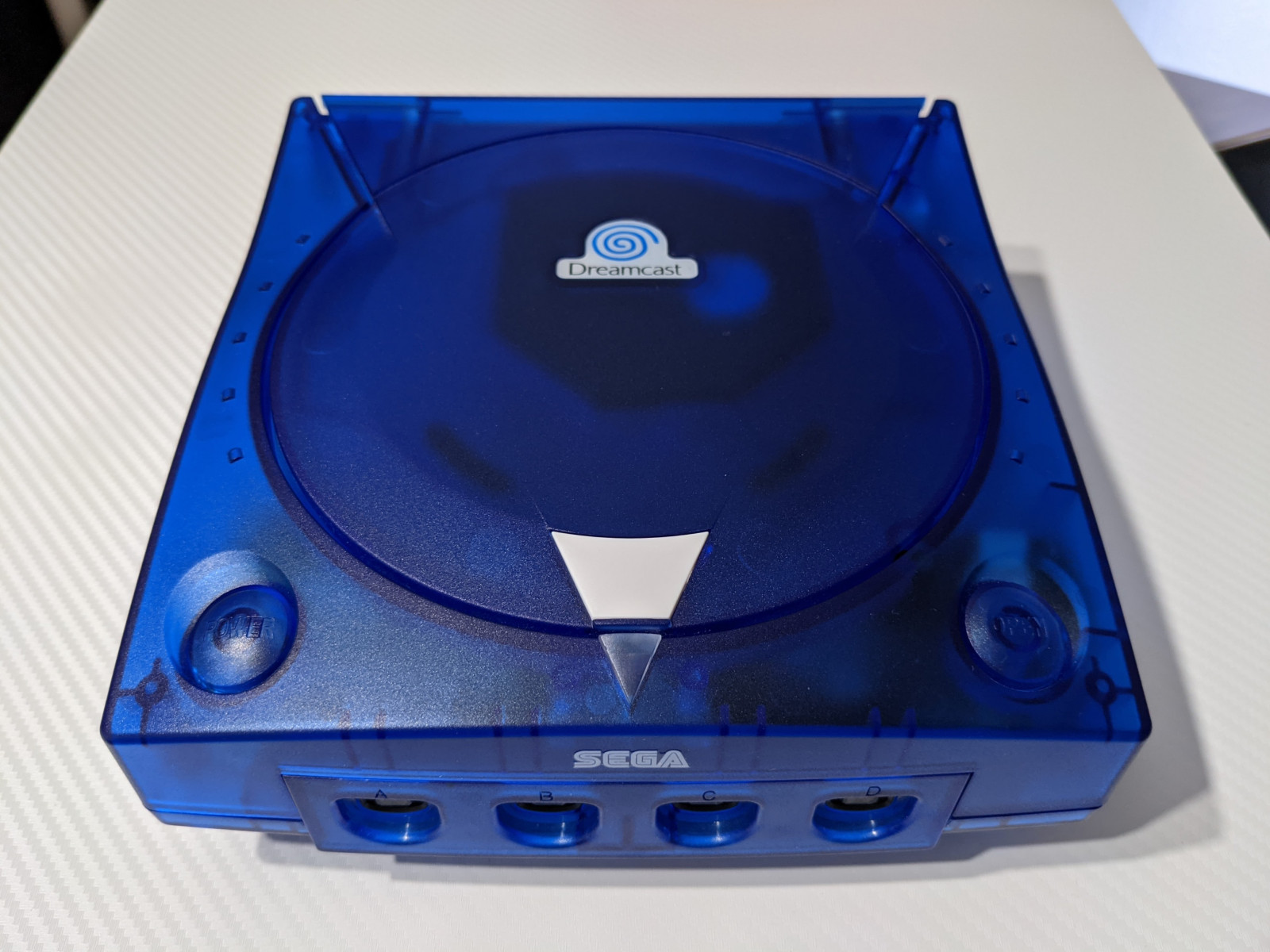
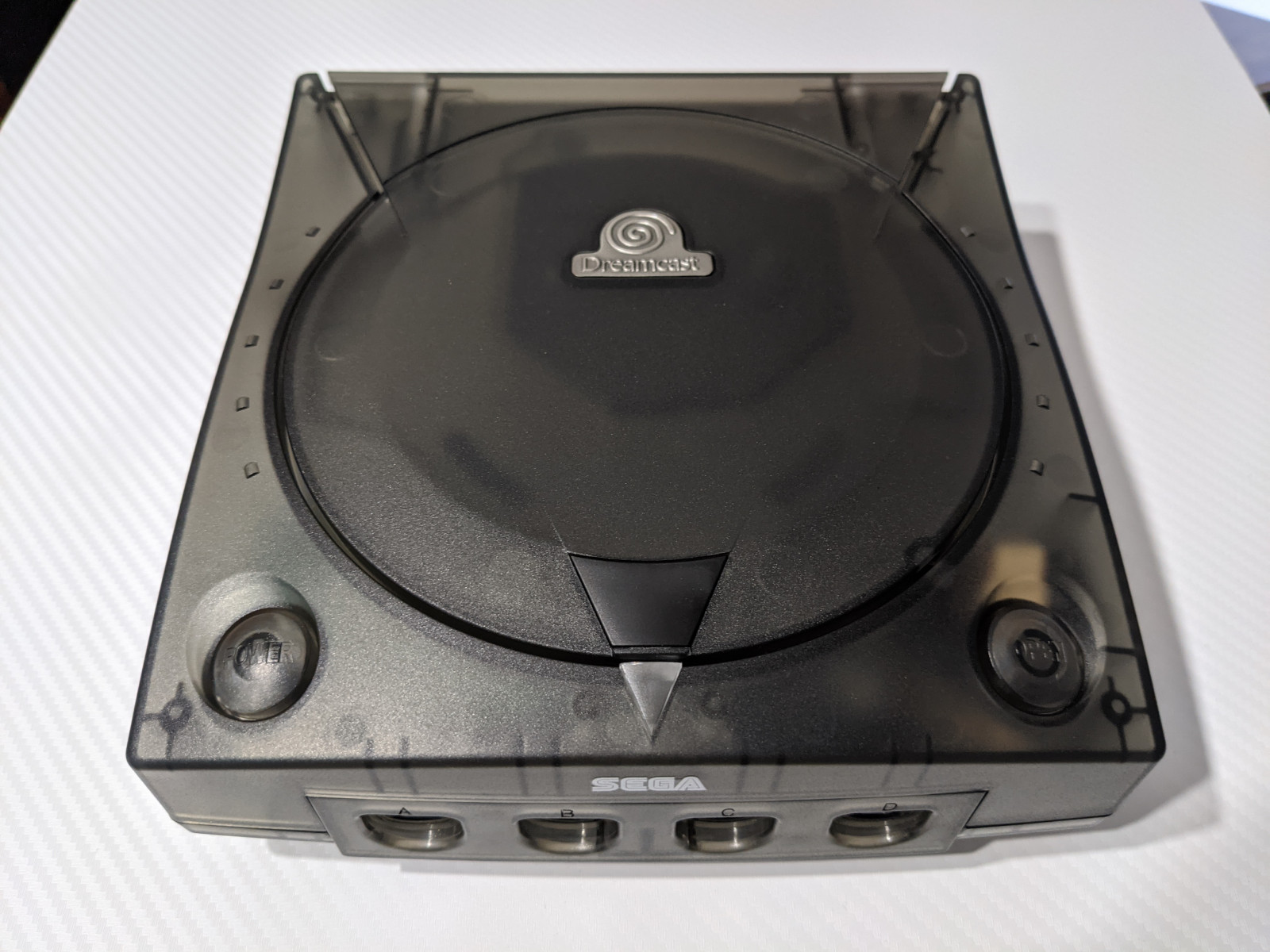
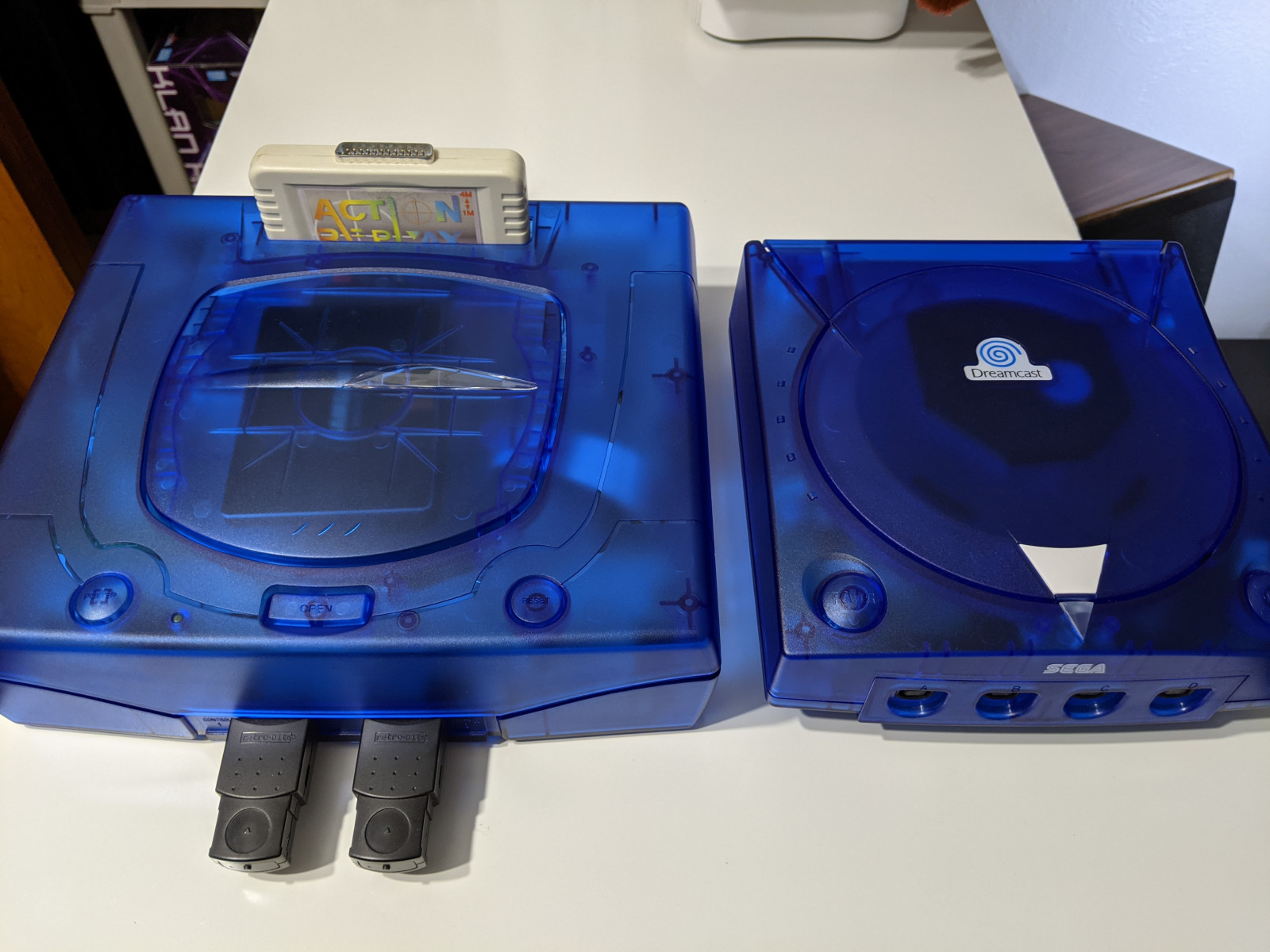
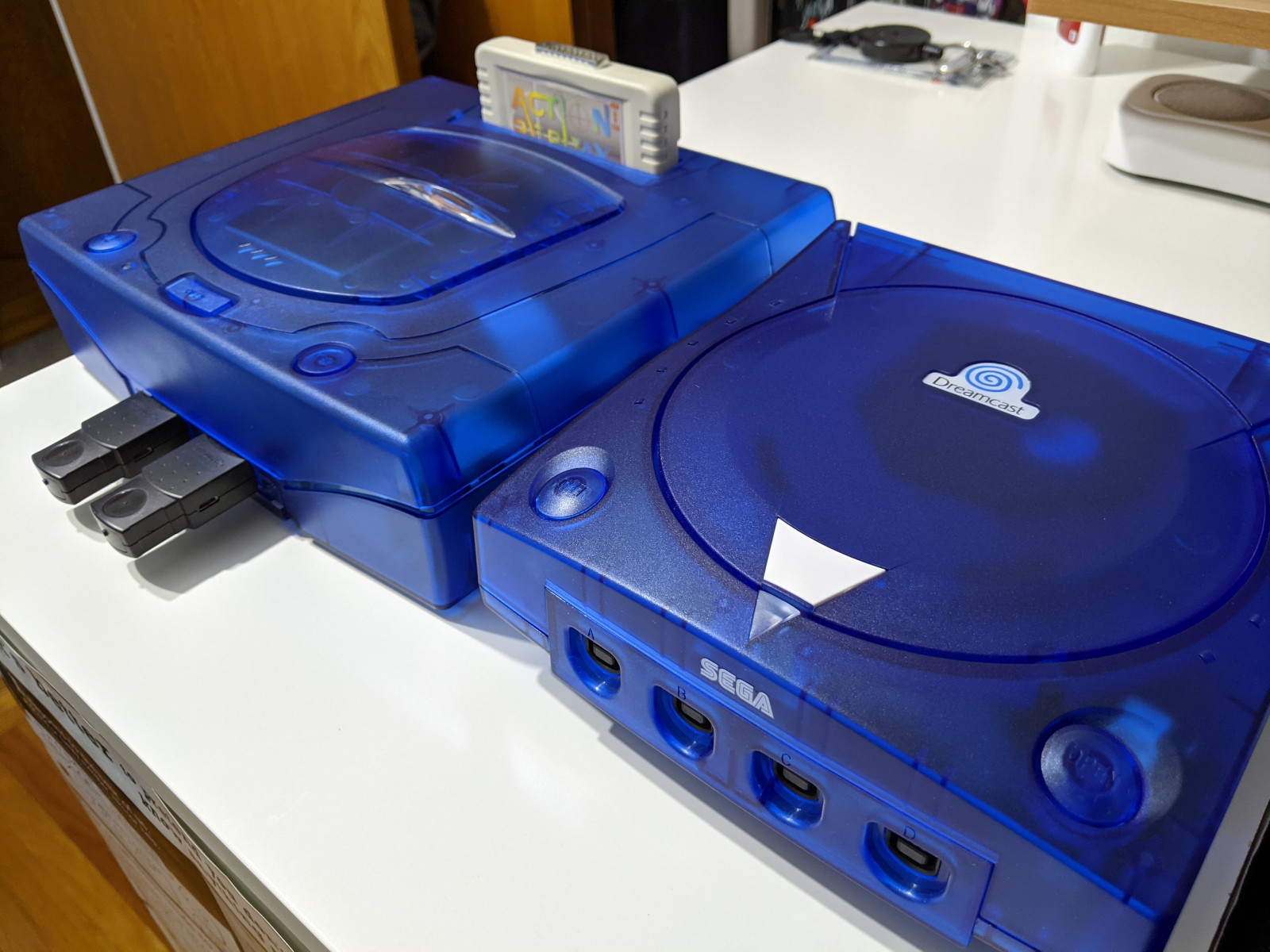
Aftermarket Shells – I bought my shells from this eBay seller last year but there are other sellers carrying them now: Game-Tech and Muramasa Entertainment.
Links
In no particular order, here are some links to vendors and helpful sites for the Dreamcast (most of which were already linked to above).